

In the ever-evolving landscape of technology, effective file management has become crucial for users navigating the complexities of their digital environments. For small and medium business owners in Canada, the need for efficient systems that streamline daily operations is paramount. With the recent updates to File Explorer in Windows 11, Microsoft is not only addressing common user frustrations but also enhancing the overall user experience through a series of thoughtfully designed improvements. In this article, we’ll explore the key features of the revamped File Explorer, focusing on user-centric enhancements and how valuable user feedback has shaped these updates.
Logics Technology Managed IT Solution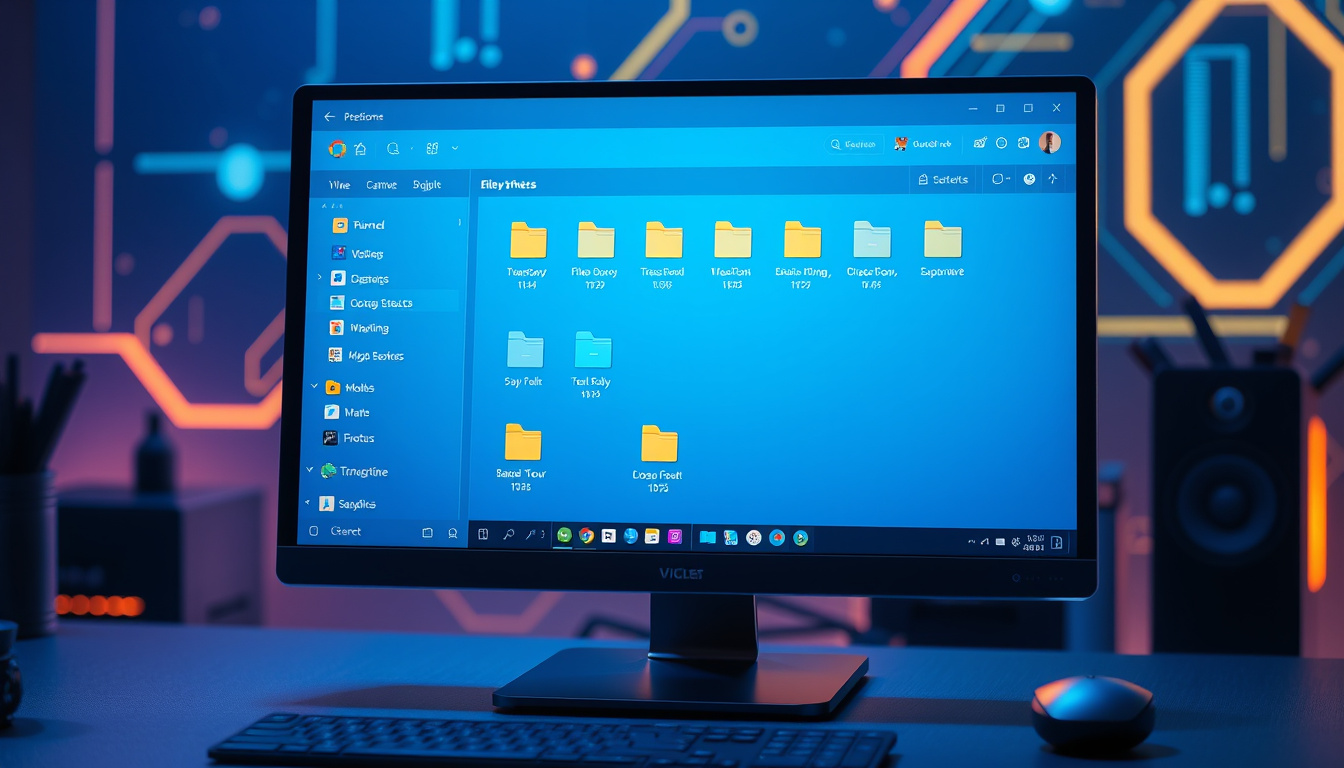
Key Takeaways
- The redesigned context menu in Windows 11 offers enhanced speed and customization options for better user experience.
- File Explorer improvements address common issues such as lag and freezes to ensure smoother file management operations.
- User feedback plays a crucial role in shaping the continuous enhancements of File Explorer in Windows 1
1.
Overview of the Key Features
### Overview of the Key Features
In a recent post on the Windows Insider Blog, Michael Novak outlined significant enhancements being implemented in File Explorer and the context menu for Windows 11, focusing on their pivotal role in facilitating efficient file management for users. The improvements are set to boost performance and reliability while addressing common frustrations such as freezes and lag during file operations. Notably, the context menu has been redesigned to offer a faster, more streamlined experience, reducing clutter and speeding up access to commonly used actions. Users will also enjoy a new customization feature that allows them to tailor the commands visible in their menu, reflecting their preferences and past usage habits from Windows
10.
Further enhancements include better navigation through the Address Bar, instant feedback when renaming files, and tweaks that ensure a consistent user experience while browsing. These updates are a direct response to user feedback, underscoring Microsoft's commitment to making File Explorer more modern and intuitive. The post wraps up with a call for continued user input to guide future updates, reinforcing the importance of user engagement in refining software tools.
User-Centric Enhancements and Feedback Integration
The latest updates to Windows 11 are designed not just to enhance functionality but to create a more user-friendly experience that resonates with the needs of everyday users. In particular, the focus on the context menu and File Explorer signifies a shift towards a more accessible interface that minimizes cognitive load and maximizes efficiency. With features such as customizable options and improved navigation, users can now intuitively manage their files without wrestling with outdated menus or cumbersome commands. Moreover, by prioritizing user feedback, Microsoft is not only fostering a sense of community engagement but is also ensuring that the tool evolves in parallel with user requirements. The commitment to ongoing enhancements highlights a dynamic development approach, inviting users to actively participate in the future of Windows
11.
Get started with your free Managed IT Services assessment today! Contact us at info@logicstechnology.com or by phone at (888) 769-1970.