

In the fast-paced digital landscape, efficiency is key for Canadian small and medium business owners looking to stay competitive. The recent announcement from the Windows Insider Program regarding new preview builds of Windows 11 brings promising advancements that can enhance productivity and streamline daily operations. On October 7, 2026, Microsoft unveiled two significant developments: a revamped search experience powered by WinUI 3 and an intuitive battery status widget designed for better visibility of power levels across connected devices. These features, available in the Beta and Experimental channels, are tailored to streamline tasks and improve overall user experience, making them particularly beneficial for businesses striving for operational efficiency. Let's delve into each feature and explore how they can empower your business.
Logics Technology Managed IT Solution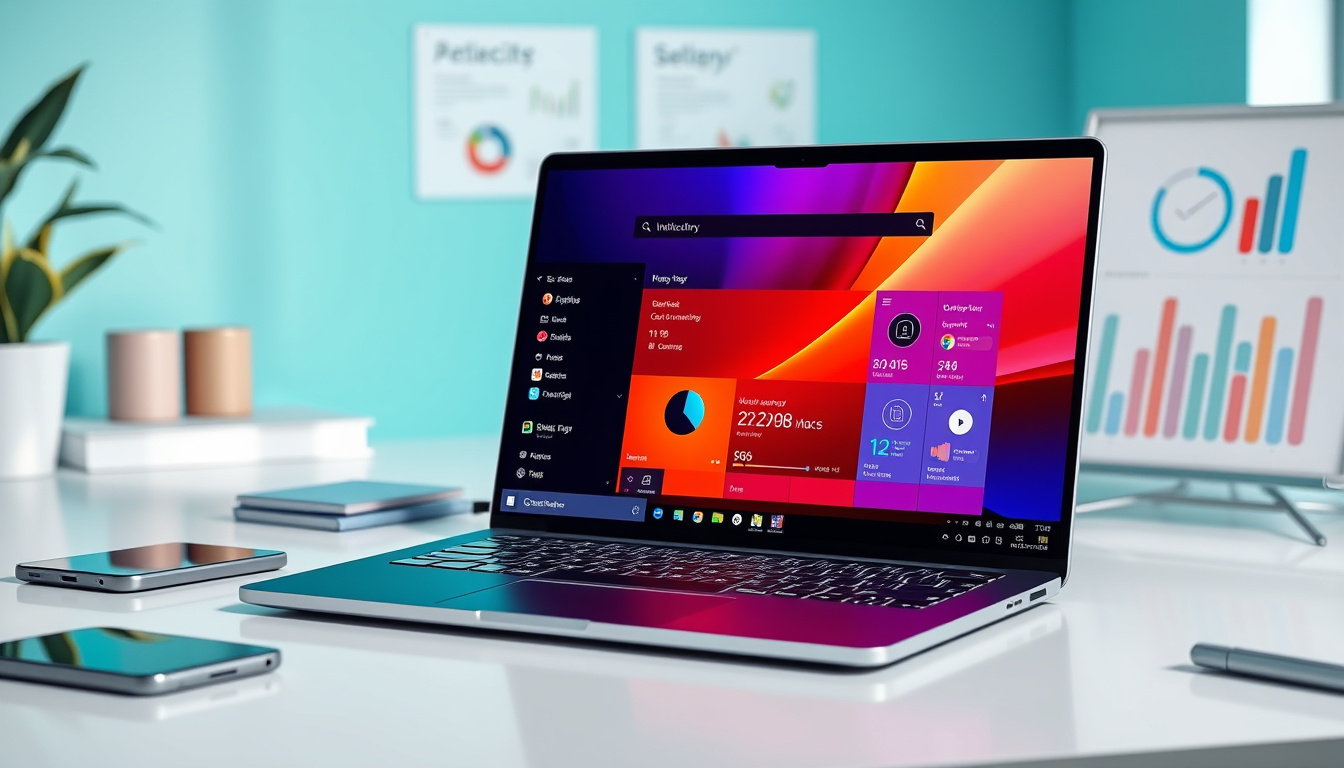
Key Takeaways
- Windows 11's new search experience utilizes WinUI 3 for improved efficiency and usability.
- The battery status widget allows users to monitor multiple device battery levels easily.
- Both features are designed to enhance overall user experience in Windows 1
1.
Enhanced Search Functionality with WinUI 3
## Enhanced Search Functionality with WinUI 3
On October 7, 2026, the Windows Insider Program announced exciting new preview builds of Windows 11 for both the Beta and Experimental channels, following the recent Windows + Surface event. The Beta channel features Build
26220.9606, while the Experimental channel includes Build
26340.9616, complemented by additional builds for specific versions of Windows such as Build
28020.3172 for Beta 26H1 and Build
28120.3181 for Experimental 26H1. One of the standout updates is the revamped Windows Search experience, now infused with WinUI 3 technology, designed to elevate efficiency and usability for users. This new search interface boasts a more streamlined design boasting faster performance, allowing users to access inline actions directly from search results. For instance, adjustments to system settings like dark mode, Bluetooth activation, or screen brightness can now be managed without navigating away from the search interface, thereby enhancing productivity and user satisfaction.
In addition to the advancements in search functionality, the update introduces a Battery Status Widget, which provides users with a consolidated view of battery levels across all devices connected to their PC. This feature simplifies power monitoring and helps ensure that users remain aware of the battery status of their devices, preventing unexpected outages. Together, these updates are tailored to significantly improve the overall user experience on Windows 11 and will continue to be fine-tuned in forthcoming updates, making the platform increasingly efficient and user-friendly.
Streamlined Battery Monitoring Experience
The significance of these updates extends beyond just individual features; they represent a commitment from Microsoft to streamline workflows and enhance usability for its users, particularly small and medium business owners who rely on efficient technology to support their operations. The incorporation of improved search capabilities aligns perfectly with the growing need for instant access to information, which is critical when making quick business decisions. Furthermore, the Battery Status Widget not only ensures that devices remain powered but also empowers business owners to manage their technology infrastructure more effectively. By staying informed about the battery levels of connected devices, SMB owners can proactively address potential issues, ensuring minimal downtime and maintaining productivity in an increasingly digital workspace. These enhancements, therefore, not only promise a better user experience but are also designed to foster greater operational efficiency, which is paramount for the success of any small or medium-sized business.
Get started with your free Managed IT Services assessment today! Contact us at info@logicstechnology.com or by phone at (888) 769-1970.