

As Canadian small and medium business owners seek to optimize their workflows and enhance productivity, staying updated with technological advancements is crucial. The recent updates to Windows 11's taskbar and Start menu bring a host of personalization features that can significantly improve user experience. In this article, we will delve into the exciting new capabilities that Windows 11 offers, making it easier for you to tailor your workspace to meet your specific needs.
Logics Technology Managed IT Solution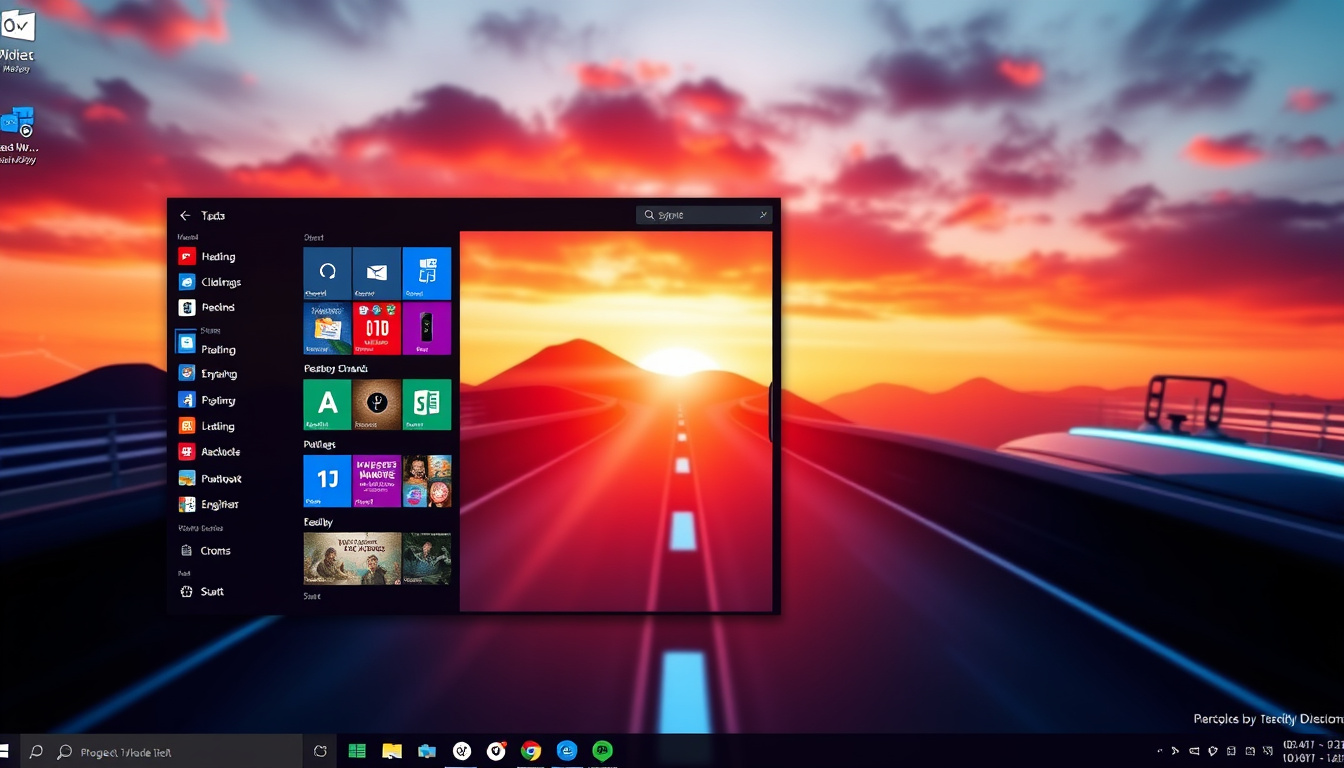
Key Takeaways
- Windows 11 allows taskbar movement to any edge of the screen for improved productivity.
- A compact taskbar option will be introduced to save vertical space on smaller displays.
- The Start menu will feature enhanced controls for customization and improved recommendation quality.
Exploring Taskbar Personalization Options
### Exploring Taskbar Personalization Options As Windows continues to evolve, recent updates bring significant improvements to the taskbar and Start menu, focusing on enhanced personalization tailored to user preferences. These changes are particularly beneficial for Canadian small and medium business owners looking to optimize their digital workspace. #### Taskbar Personalization One standout feature is the ability for users to adjust the taskbar's position on the screen—moving it to any edge (top, bottom, left, or right). This flexibility in layout is especially advantageous for developers and users with dual monitors, as a vertical taskbar can maximize screen real estate, allowing for efficient multitasking and improved workflow. Additionally, users also have options to align icons in a way that fits their personal style or work requirements. #### Compact Taskbar Option Recognizing the needs of users with smaller screens, the upcoming compact taskbar option allows for a streamlined look, complete with smaller icons. This feature is designed to give users more vertical screen space without requiring a cumbersome sign-out or restart—a boon for those who multitask or work on SaaS applications regularly, reducing interruptions and enhancing focus on tasks at hand. #### Enhanced Start Menu Controls The Start menu also receives thoughtful enhancements. Users will find simplified controls for customizing their layout with section-level toggles, allowing them to easily show or hide 'Pinned,' 'Recent' (previously known as 'Recommended'), and 'All' sections. For added control over privacy, there is an option to separate file recommendations from other Start content and a choice to hide user profile pictures. Moreover, users can select their preferred Start menu size (small or large), accommodating different workflows and personal preferences. #### Improved Recommendation Quality Finally, users can look forward to enhanced relevance in the 'Recommended' section, which will now feature recently used files and applications that are tailored to individual usage patterns. This improvement not only streamlines the user experience but also aids in discovering new applications that might boost productivity. The rollout of these updates will commence with Windows Insiders, with further refinements to be based on user feedback. For Canadian small and medium business owners keen on enhancing their team’s digital experience, these taskbar personalization options present an exciting opportunity to customize workspaces in a way that resonates with individual preferences and promotes efficiency.
Revamping the Start Menu Experience
These enhancements come at a crucial time for businesses navigating the complexities of remote and hybrid work environments. By allowing users the flexibility to customize their workspace, these updates promote not only individual productivity but also team collaboration. Canadian small and medium business owners can leverage features like the compact taskbar to maximize available screen space, facilitating the use of multiple applications without clutter. The ability to tailor the Start menu further allows employees to curate their digital landscape, enabling them to access essential tools and files with greater speed and efficiency. As these new functionalities are rolled out, it is advisable for business leaders to encourage their teams to explore and adopt these updates, ensuring that their operations remain agile and adaptive to evolving work patterns. The enhancements are not just cosmetic; they represent a shift toward a more user-centric design philosophy that prioritizes the needs of diverse users, ultimately supporting the broader goals of optimizing productivity and user satisfaction.
Get started with your free Managed IT Services assessment today! Contact us at info@logicstechnology.com or by phone at (888) 769-1970.